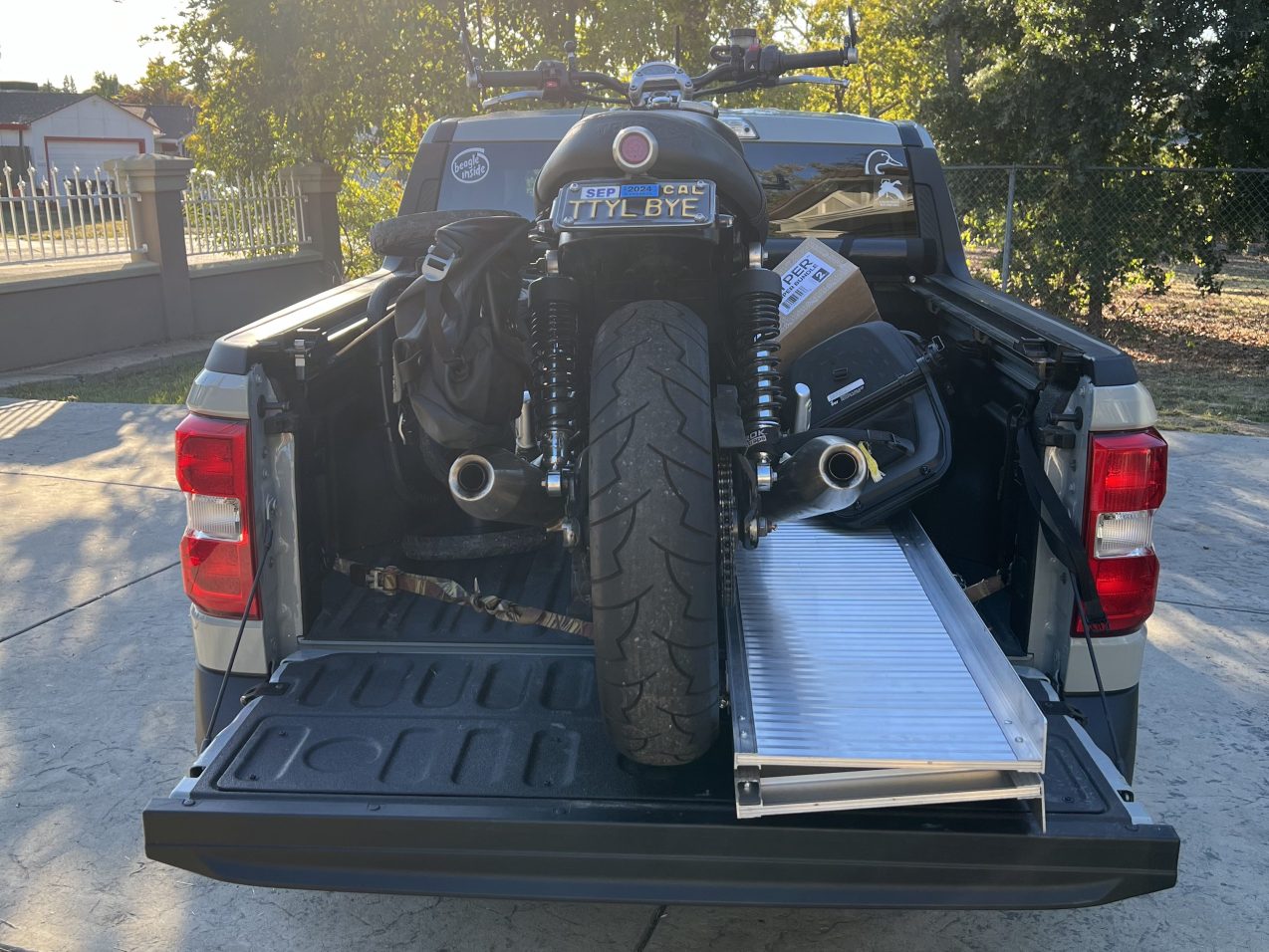
Last weekend, we packed the truck and headed for Sacramento.
Diapers, travel crib, stroller, motorcycle.
We visited old friends and started new fall traditions. Apple orchards and pumpkin patches with our families.
And kept a few old traditions alive.
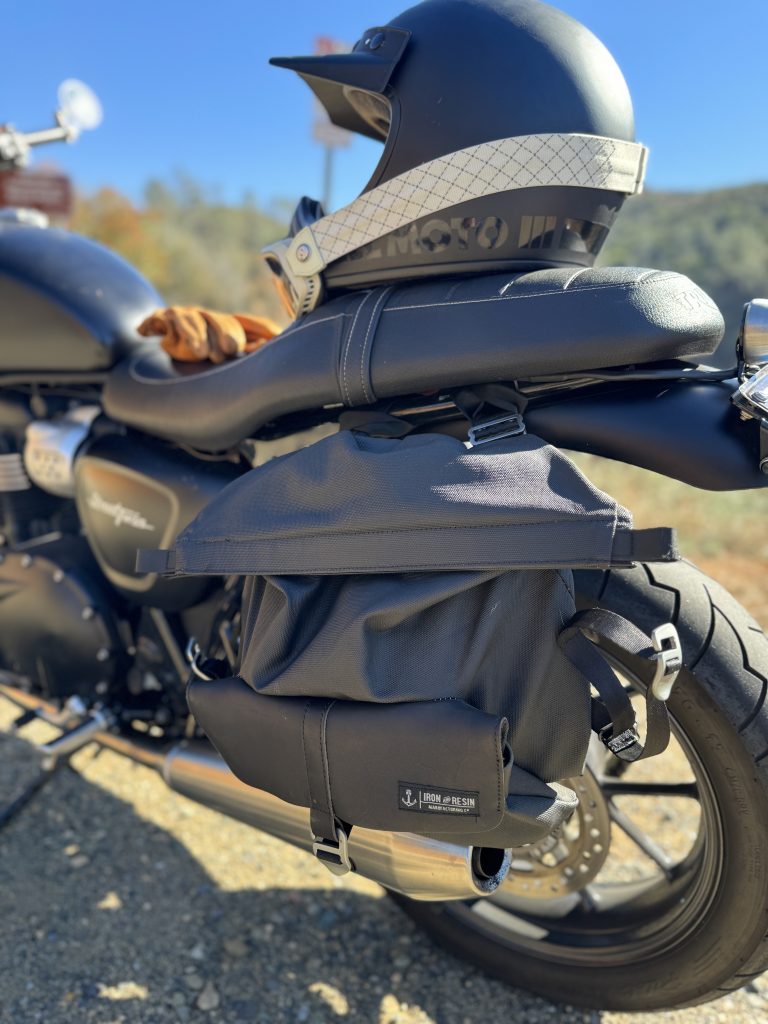
My grandparents rode motorcycles. As they rode, they helped others. Hundreds of motorcyclists attended my grandmother’s funeral and many shared how their lives were transformed after meeting with her. I hope to honor their legacy.
The best place to ride a motorcycle is California: natural beauty everywhere, wonderful weather, lane-splitting, moto culture, mountains, rivers — for all of its problems there is a reason so many come from all over to enjoy this place.
I came to California to work. These days folks can work anywhere. But there is something special in this place. It is not perfect, but it is home.
I intend to remain and raise my family here. Instead of seeking a place with less problems, I want to help leave this place better than I found it. I set out to do just that many years ago. And now I am beyond thankful to call this place home.
I own a 2007 BMW G 650 Xchallenge. This motorcycle was short-lived and not particularly common. Keeping it running these days requires knowing how to repair it.
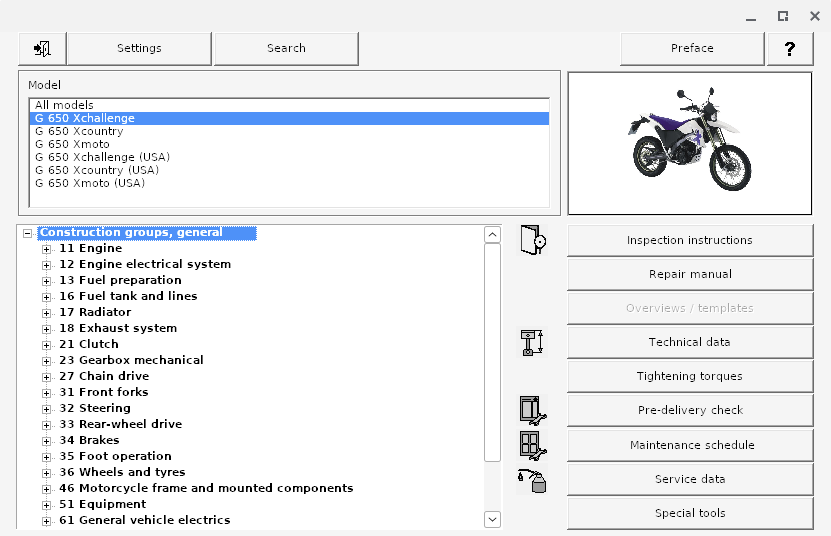
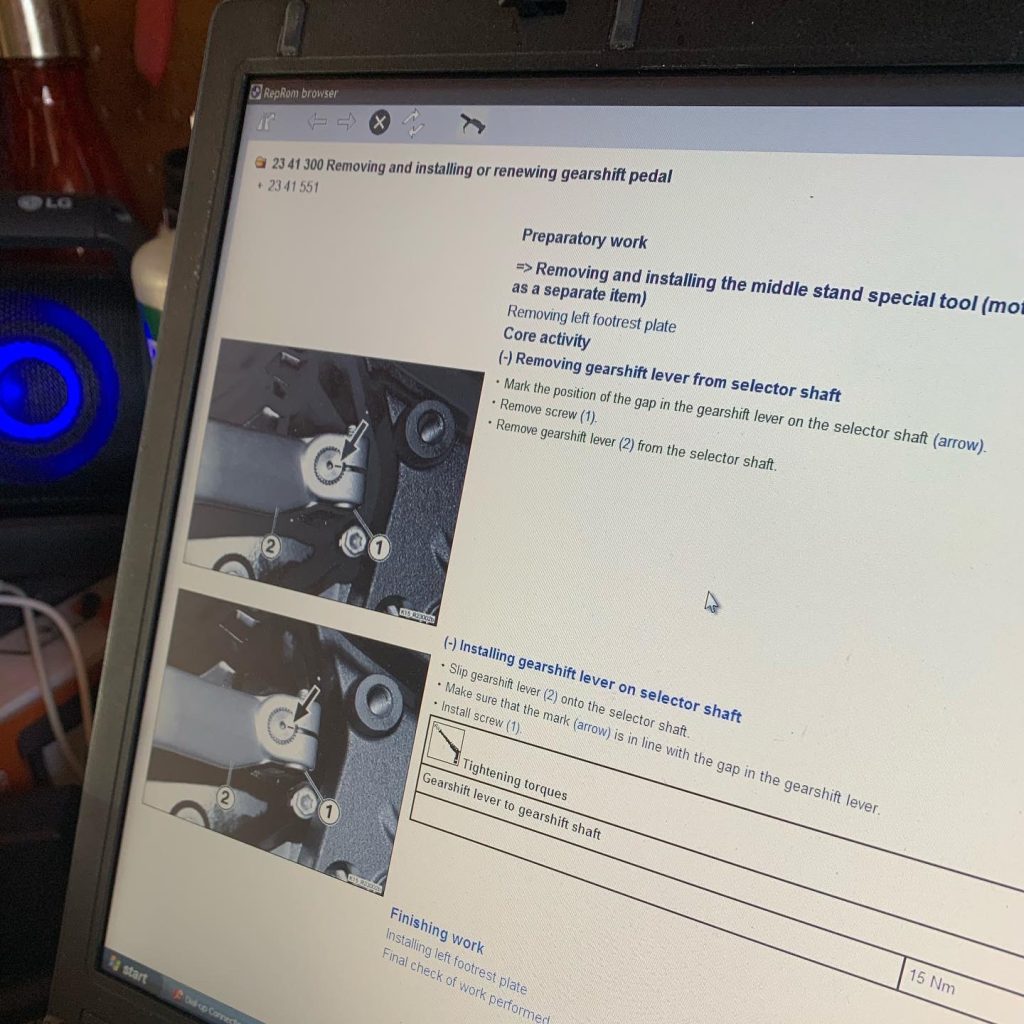
For BMW motorcycles of this era, the best available repair manual is a Windows program called RepROM which displays repair procedures and allows for searching the manual.
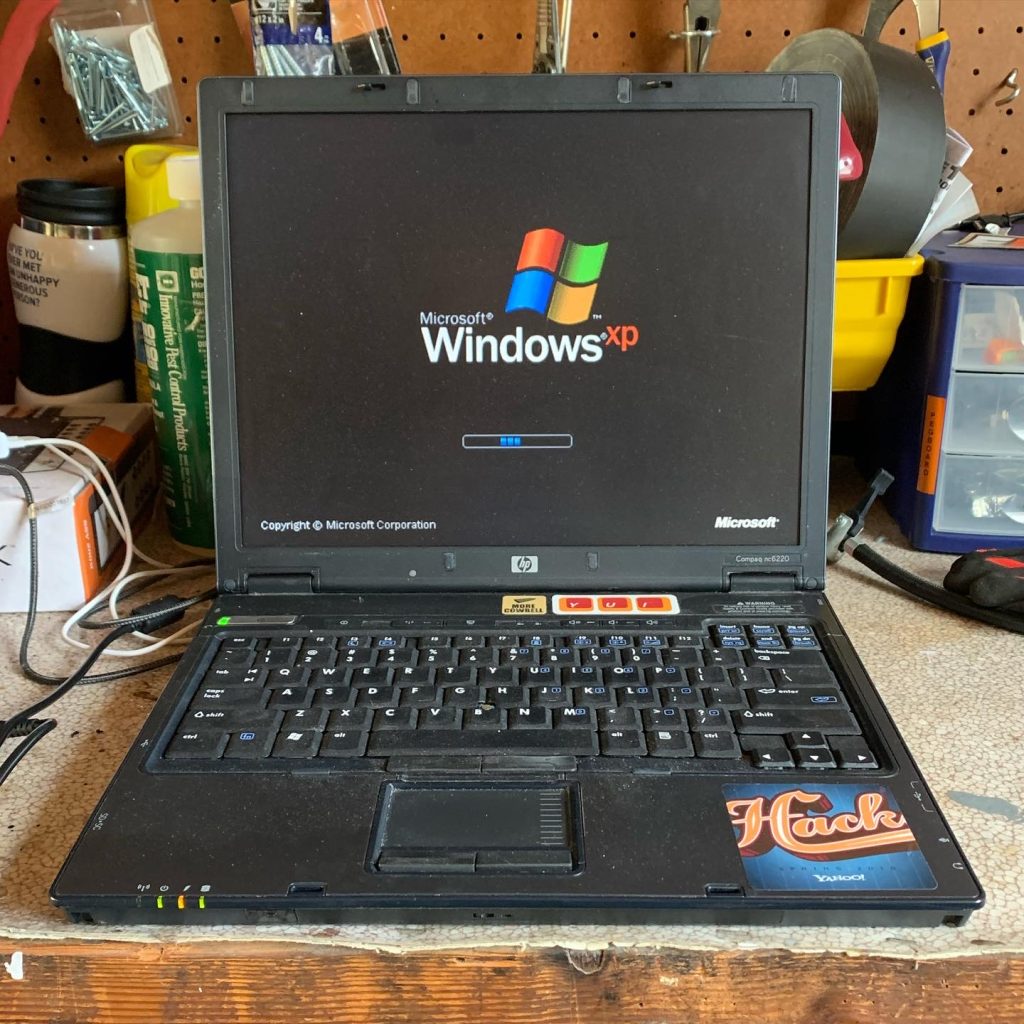
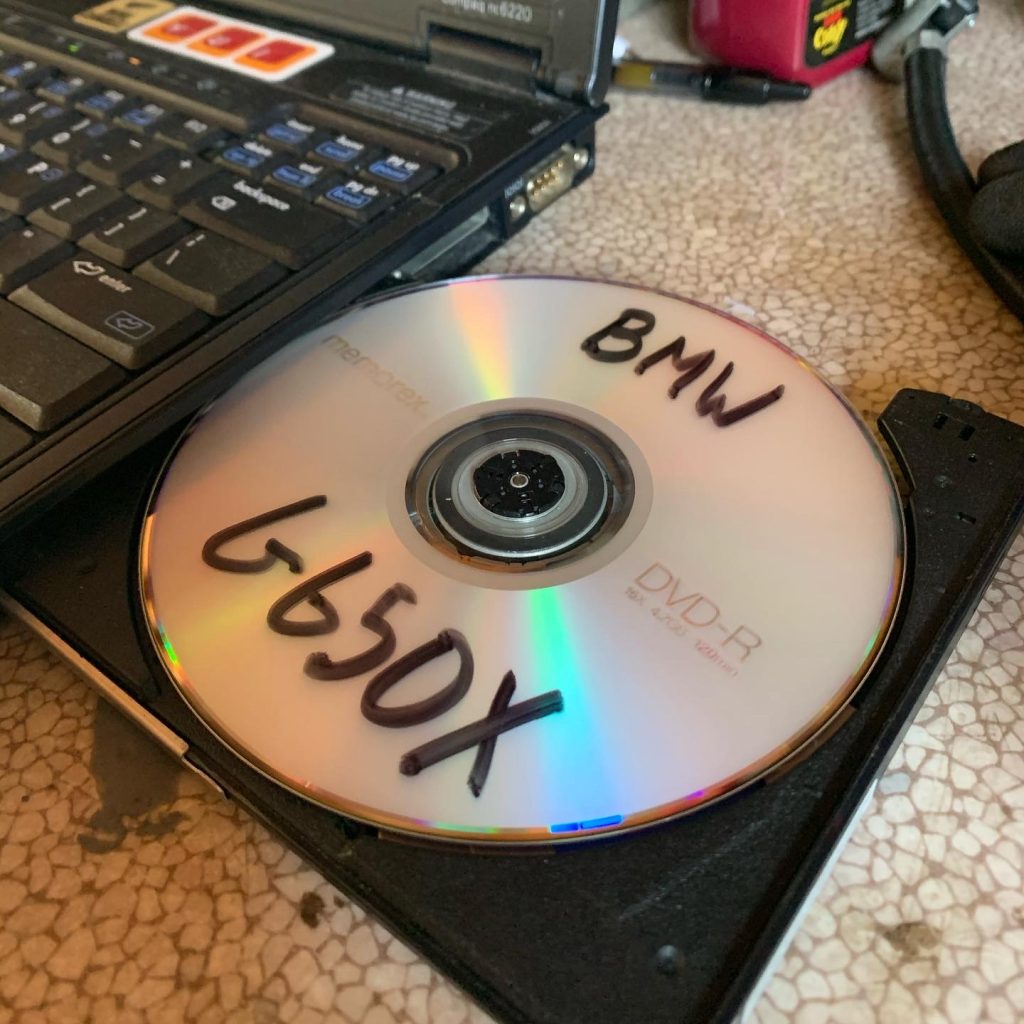
My model’s RepROM is a circa 2006 program which runs on Windows XP. For many years I kept around an old HP Compaq nc6220 laptop just for the purpose of running RepROM.1
A few months ago, I created a dedicated garage workstation to make it easier to look up repair information for my motorcycles and other things around the house. The computer is a Dell Optiplex 9020, picked up from the Silicon Valley Electronics Flea Market after its retirement from a cafeteria at Stanford University.
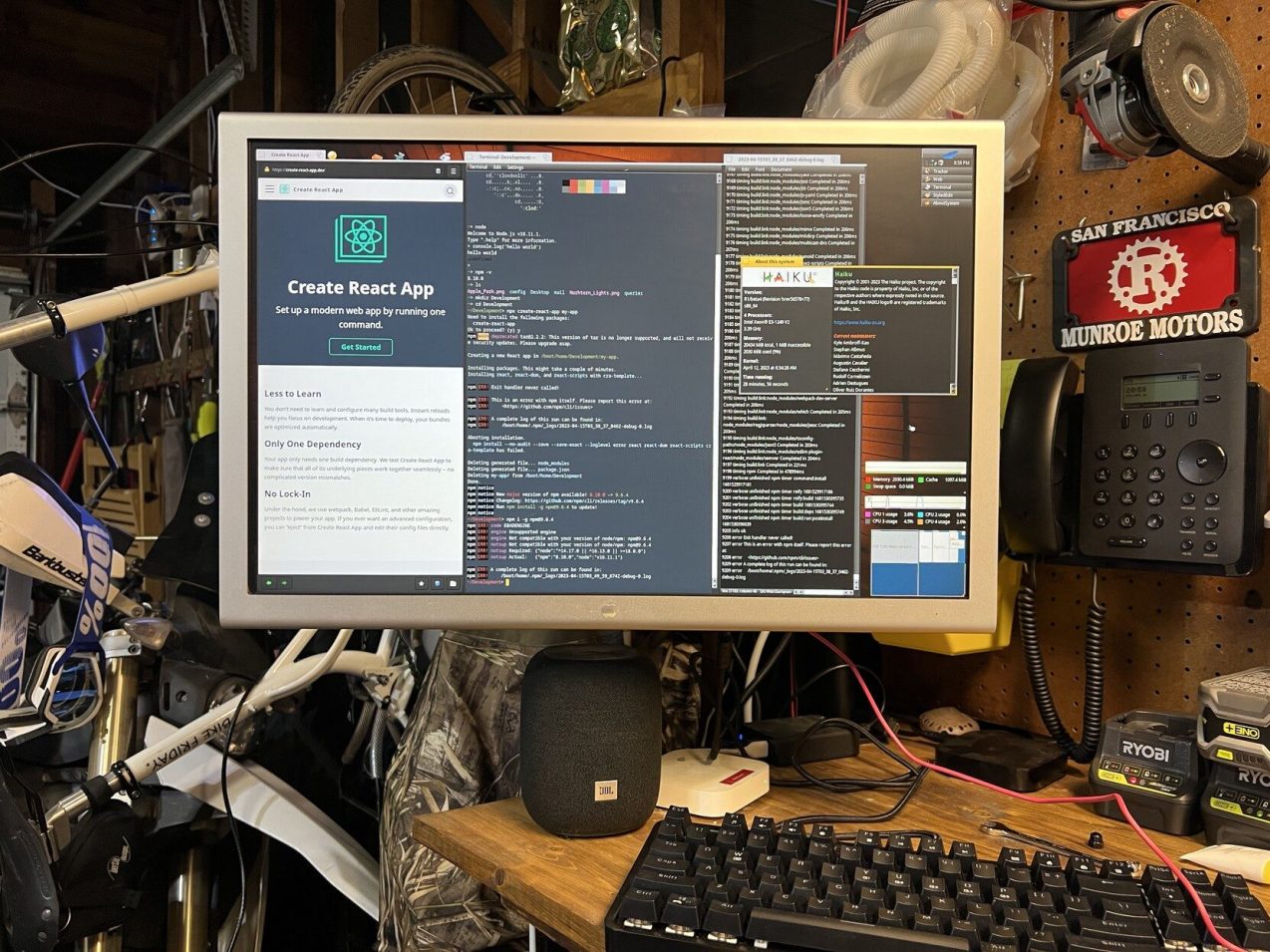
While the computer is a Dell, the monitor is a 23” Apple Cinema HD Display A1082 found for $50 on Craigslist. Photo from when I experimented with Haiku on a similar Optiplex.
After trying Haiku for a while, I found ChromeOS Flex makes for a very fast and drama-free Linux workstation for looking up things online. ChromeOS supports PWAs, 1Password, and even Linux apps like Beeper.
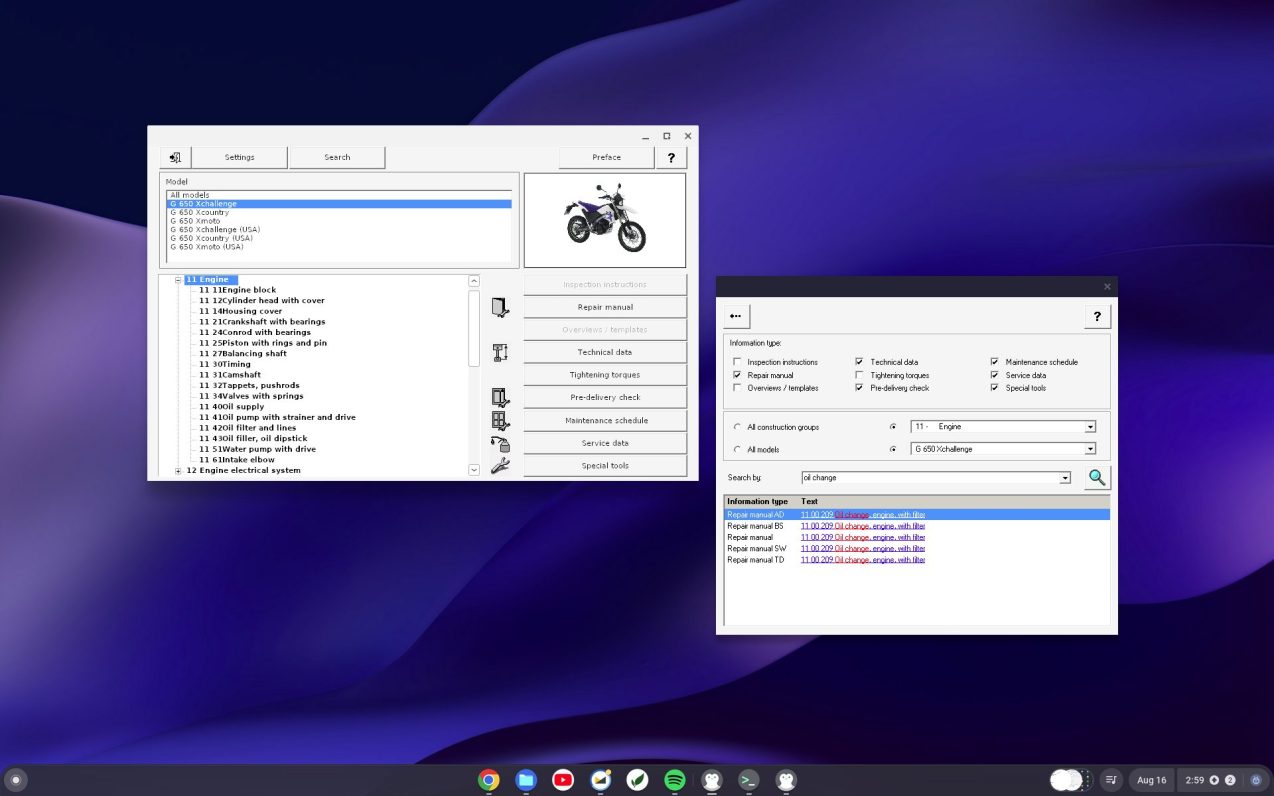
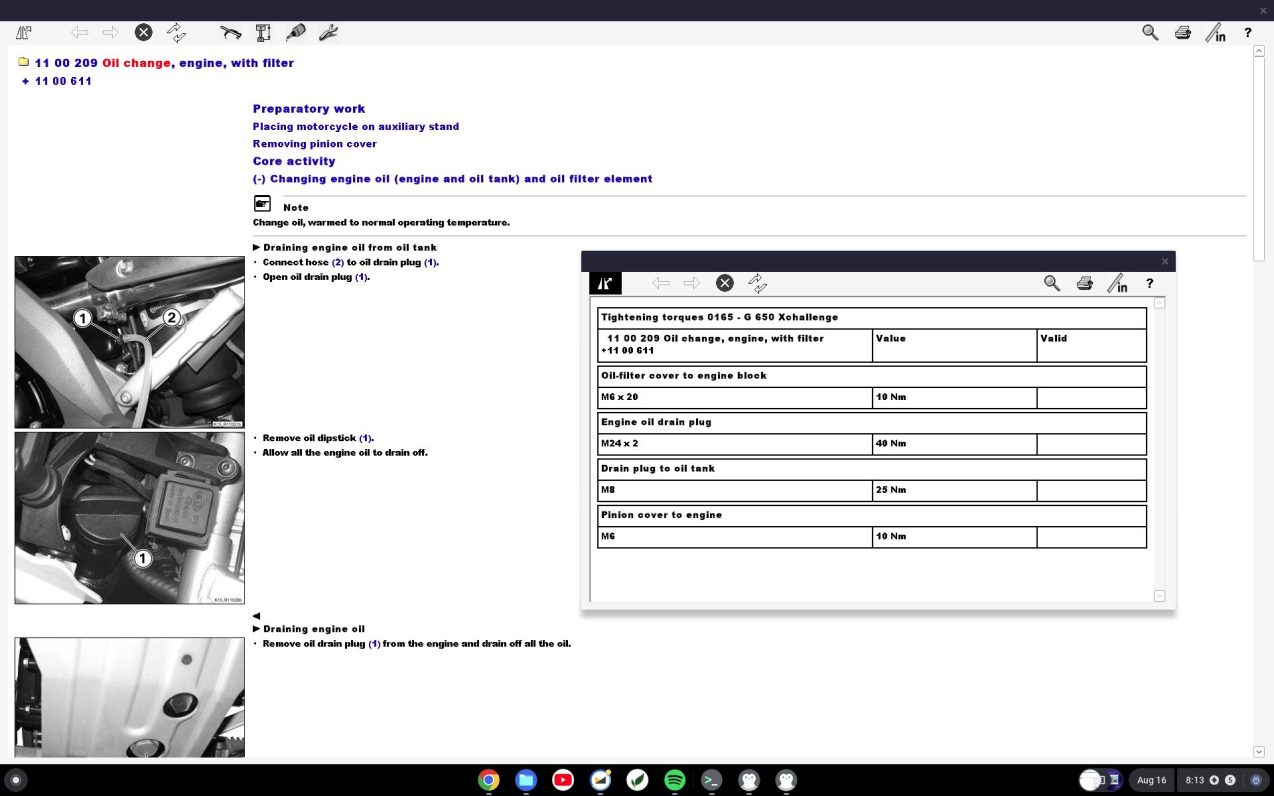
Today I figured out how I can run my old version of RepROM on ChromeOS so I can easily look up repair guides without hauling out the Windows XP laptop. If you want to do the same, read on.
Before starting anything else, be sure to specify a 32-bit Wine configuration. RepROM needs old versions of Internet Explorer to render the XML repair documents which requires 32-bit Wine.
WINEARCH=win32 winecfg
You will need msxml3 and ie6 DLLs to properly run RepROM of this vintage. If you do not, Wine will helpfully try to download HTML support using modern Gecko; however, Gecko cannot parse RepROM’s Microsoft-specific XML documents.
You can easily install these DLLs with Winetricks. While the installation is easy, watching IE 6 download and extract on ChromeOS in 2023 is a bit unsettling.
wget https://raw.githubusercontent.com/Winetricks/winetricks/master/src/winetricks
chmod +x winetricks
sudo apt install cabextract # Required for next step
./winetricks dlls ie6
./winetricks dlls msxml3
Next, place the RepROM files into a directory in the Linux files section of the ChromeOS Files app.
You can now run RepROM.
cd RepROM
wine RepROM.exe
RepROM can be placed as a menu item in the ChromeOS Launcher to make it easier to start. For this, you will need Menulibre.
sudo apt install menulibre
menulibre
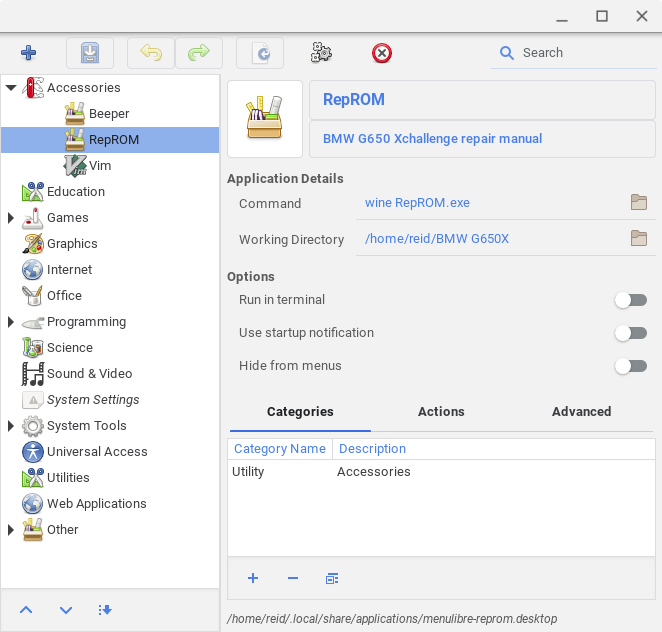
In the Menulibre GUI, select Add Launcher and use the following values:
Command
wine RepROM.exe
Working directory
Select the directory which contains RepROM.exe
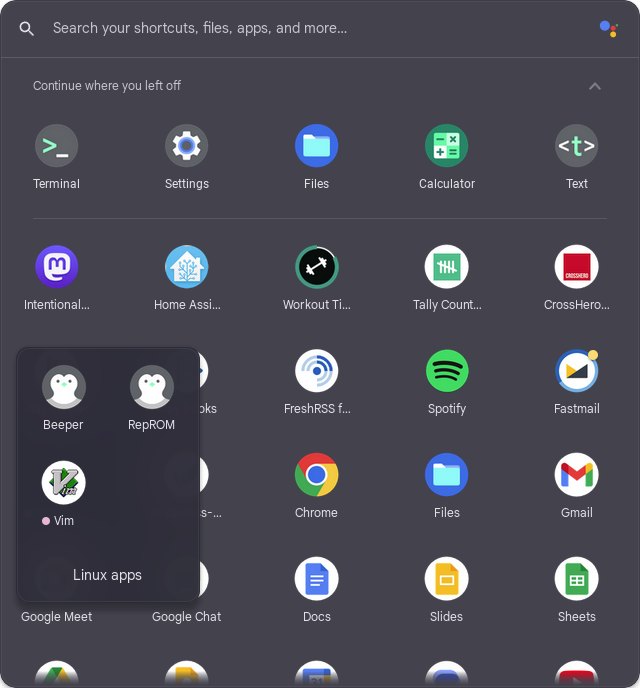
Close Menulibre and you should find RepROM in the ChromeOS Launcher.
Happy wrenching.
A bit of Yahoo Alumni trivia: This HP Compaq nc6220 was gifted to me during an employee lottery giveaway of surplus laptops and servers. I entered the laptop lottery and got this around 2009 during what I believe was the last time Yahoo ever did these giveaways. I brought it back to Yahoo Sunnyvale to run the vinyl cutter in the Makerspace until 2020. ↩︎
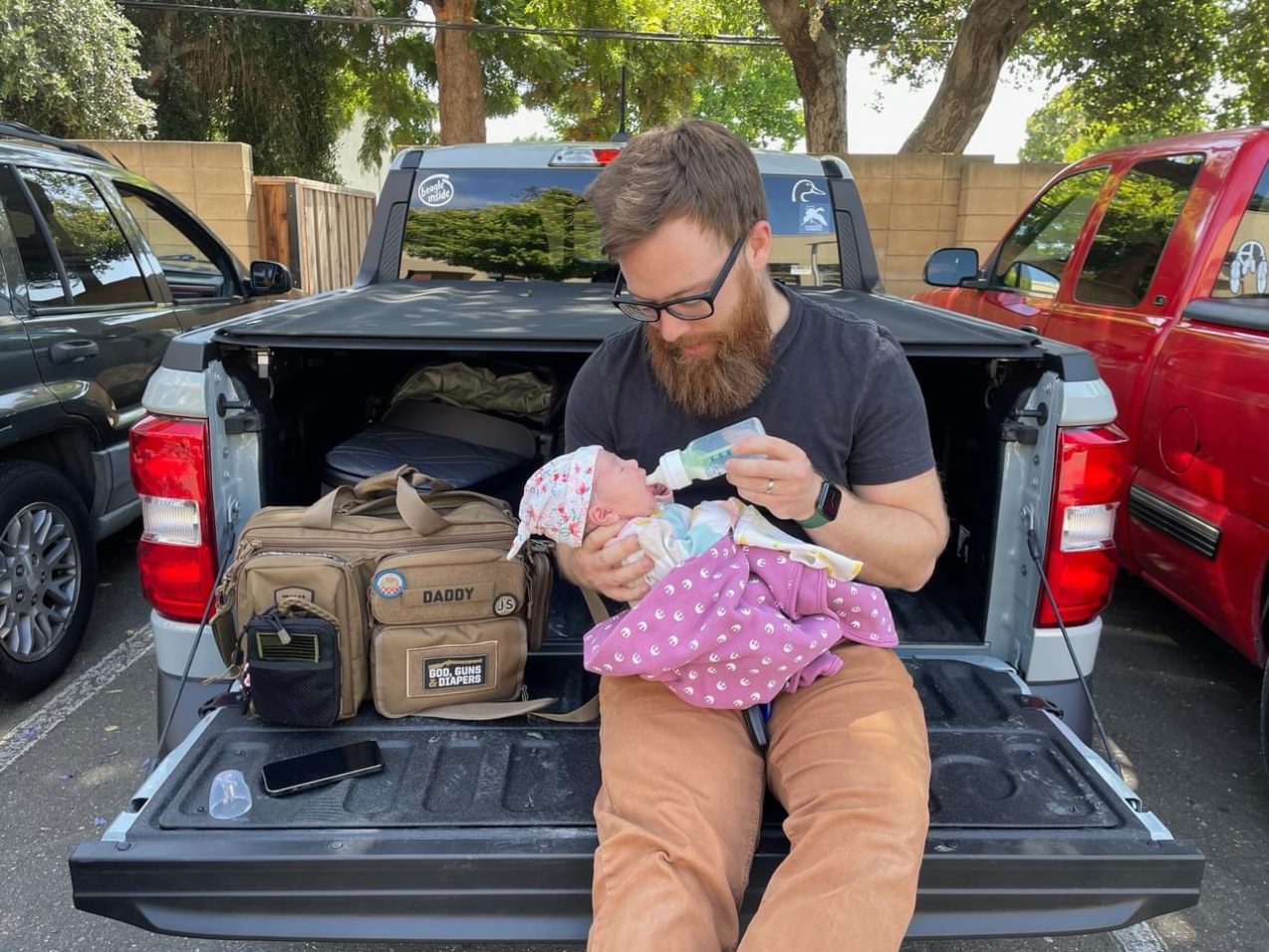
Jeeyun and I are new parents to this sweet baby girl. Kaylee Nari was born in June. We are excited, a bit tired, and hopeful for what God will do in our family.
Most of us keep our private SSH keys on disk at ~/.ssh/id_* with restrictive file permissions to keep them a secret. However, it is not difficult for malware to copy these private keys from disk.
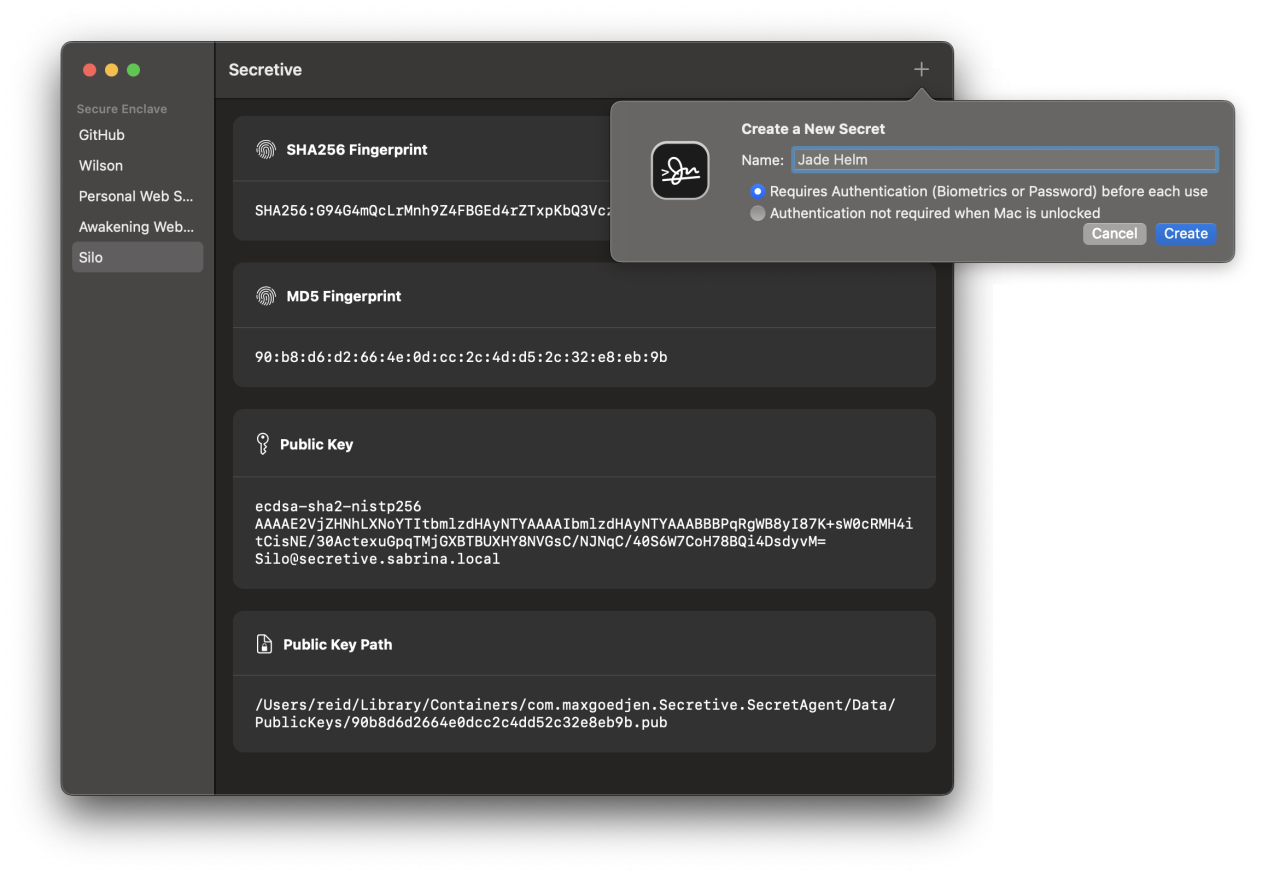
Secretive stores SSH private keys in the Secure Enclave where they cannot be exported by design. This makes it much more difficult for a malicious program to use them.
You can also require stronger access controls like authentication before every use, which can be set when creating a new secret key.
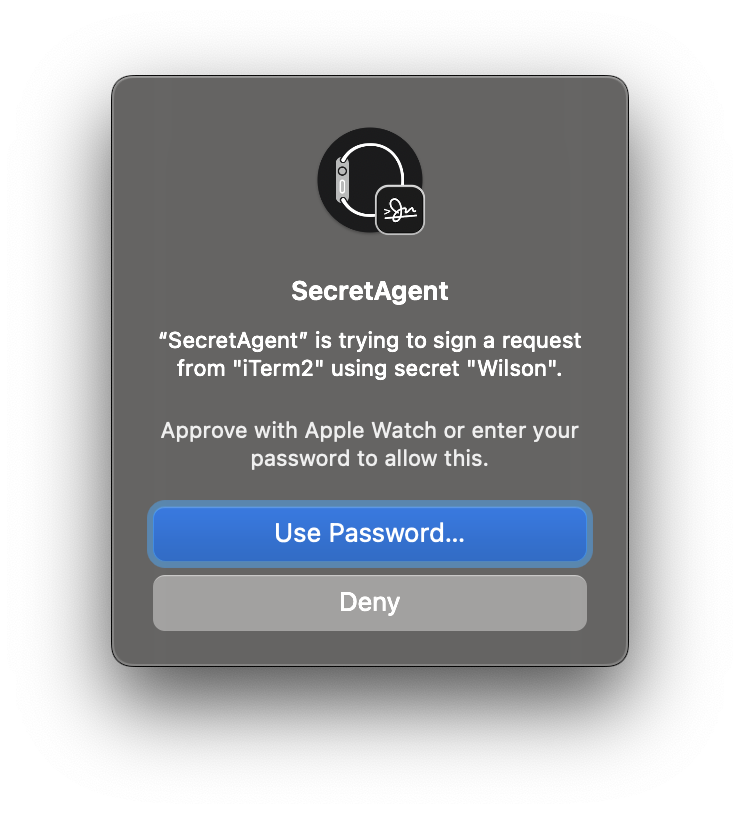
Accessing such a key requires authentication with your Apple Watch, Touch ID, or password.
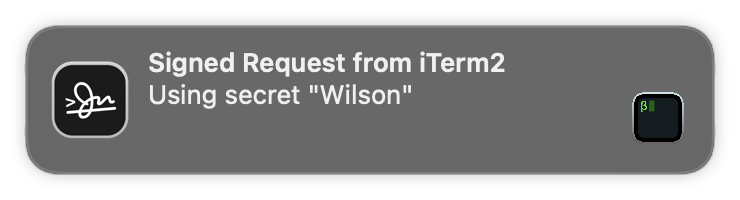
In any case, whenever your keys are accessed, you get a notification. This keeps you aware of anything which uses your key — including by SSH agent forwarding. This works great for cloning from private Git repositories when deploying WordPress on a remote server.
Since the private keys cannot be exported, you cannot back them up or use the same private keys on multiple computers. You can create different keys on every computer you use which keeps the private keys safe. I have another computer with Secretive which I use as a backup, but you may consider a cold storage strategy for backup keys which are not stored on your main computer’s disk.
Since I am using identity agents like this, I no longer have any problems which require me to mess with running ssh-agent and ssh-add — access to servers and GitHub works well and seamlessly.
Many large companies have been using similar tools like Yubikeys to store keys and secure important systems. I am glad to bring this kind of technology home for my own servers.